
IPTV Subscription for Toronto 2026: Setup & Free Trial Guide
September 13, 2026 · 9 min read
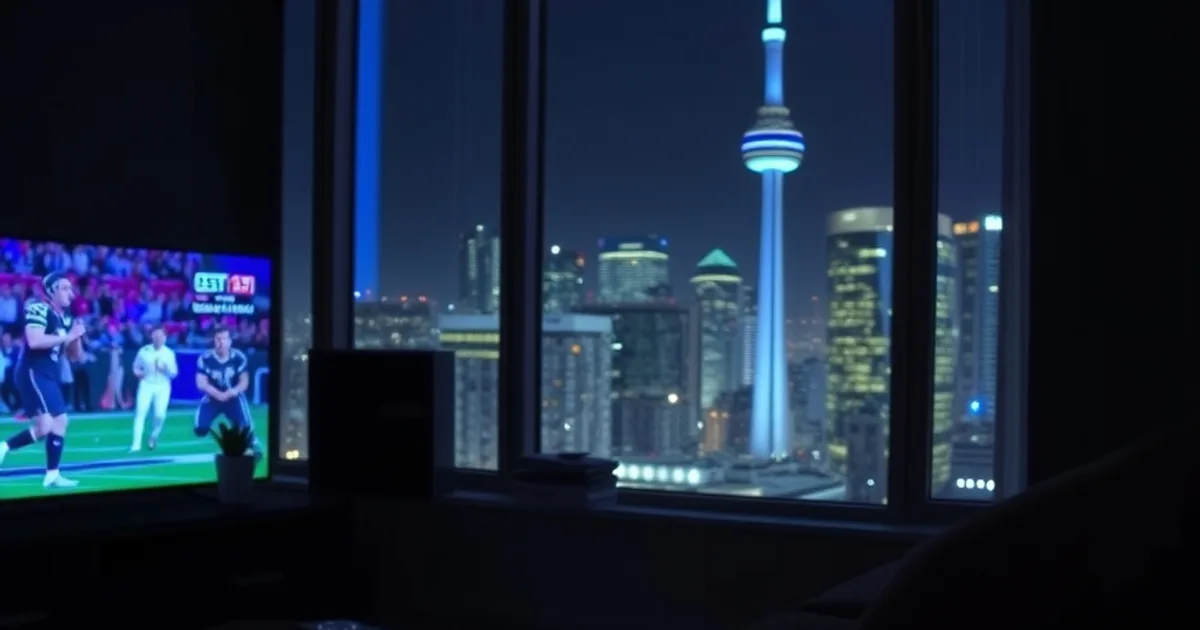
Cord-cutting in Canada isn't a fringe trend anymore — it's the default. Cable providers have lost well over a million subscribers nationwide in the past five years, and IPTV has now overtaken traditional cable as the more common way people watch live TV worldwide. Toronto, as the country's largest media market, sits right at the center of that shift.
But the switch comes with a catch: 2026 has also brought tighter anti-piracy enforcement from international rights-holder groups, and Toronto's IPTV shoppers are noticeably more cautious than they were a couple of years ago. Search results reflect the confusion — every top result for "IPTV subscription Toronto" is a provider homepage selling a plan, and none of them explain how to actually verify a service works before you pay for a year of it.
This guide fills that gap. Instead of another sales page, it's a practical walkthrough: how to spot a sketchy free trial, how to stress-test it against real Canadian viewing conditions (Saturday night hockey, early-morning Premier League), and how to get it running cleanly on whatever screen you actually watch from.
Why Toronto Is Cutting Cable
The math behind cord-cutting is straightforward once you separate the bundle. A traditional cable package in Canada typically stacks a base TV tier, sports add-ons, a set-top box rental per television, and regional taxes and fees — and each of those line items tends to climb a little every year. An IPTV subscription replaces the whole stack with one flat line, watched on hardware you already own: a smart TV, a Fire Stick, a phone.
That's the appeal in a city like Toronto, where households commonly juggle multiple TVs, streaming apps, and sports packages just to follow the Leafs, the Raptors, the Blue Jays, and international soccer in one place. Consolidating that sprawl into a single service is the actual driver behind the shift — more than any single price point.
The catch is that "IPTV subscription" has become a crowded, noisy search term. Plenty of providers are legitimate; some are fly-by-night operations that vanish after a few months. That's exactly why the next step — testing before committing — matters more in 2026 than it used to.
Not sure how to stress-test a free trial for Toronto sports nights? Ask a real person before you commit to anything.
Free Trial Red Flags: How to Spot Sketchy Services
A free trial is the single best filter you have, but only if you know what you're checking for. Run through this before you hand over any payment details for a full subscription:
No trial at all, or a trial that requires full payment upfront "refundable if unhappy" — legitimate services let you test first, not reimburse after. No visible electronic programming guide (EPG) with real, current schedules — a blank or generic guide is a strong sign the channel list is padded or fake. Support that only exists through an anonymous form with no real-time response — you want a provider you can actually reach before and after you pay, ideally the same channel every time. And pricing that's dramatically below everything else in the category with no explanation — that gap is usually paid for somewhere, whether in service quality, longevity, or worse.
One more check specific to this market: ask whether the service has any track record with Canadian customers, not just a generic international pitch. A provider that can speak to Toronto conditions specifically — ISPs, time zones, local sports blackout patterns — is a better sign than one repeating the same script for every country.
Testing Your IPTV Free Trial: Peak Hours for Canadian Sports
This is the step almost every provider homepage skips, and it's the one that actually predicts whether you'll be happy a month in. Streaming quality that looks fine on a quiet Tuesday afternoon can fall apart during a Saturday night Leafs game or an early Saturday morning Premier League kickoff, when server load across the whole network spikes at once.
During your trial window, deliberately test at the worst possible time: Saturday evening for NHL and CFL, early morning (Toronto is typically 5 hours behind UK kickoff times) for Premier League and Champions League fixtures. Watch for buffering wheels, resolution drops, or audio drift — those are the tells that a service can't handle real demand, not just demo conditions. Our dedicated walkthrough on testing a trial at peak hours goes through this in more detail: /blog/iptv-free-trial-testing-peak-hours-guide.
If soccer is a priority for your household, it's worth reading our season-specific breakdown at /blog/premier-league-iptv-streaming-2026-27 before you commit, since fixture-heavy weekends are exactly when a weak service shows its limits.
Also confirm your own connection can support what you're testing — a shaky trial experience is sometimes the network, not the provider. Our guide on realistic speed requirements for 4K streaming (/blog/4k-iptv-streaming-speed-requirements) is a useful sanity check before you blame the service.
Setup on Your TV: Samsung, LG, Android TV
Most Toronto households are on Bell Fibe, Rogers, or a smaller player like TekSavvy for their actual internet connection, separate from whichever company used to supply cable. IPTV runs over that internet connection regardless of who provides it — there's no special "IPTV-approved" ISP, though a wired Ethernet connection to your smart TV or router placement closer to the TV will noticeably reduce buffering versus a weak Wi-Fi signal in an older building with thick walls, common in a lot of Toronto's pre-war apartment stock.
Samsung and LG smart TVs, along with any Android TV or Google TV device, can run IPTV apps natively without extra hardware. The setup itself is a matter of installing the right app and loading your service details — we cover the full walkthrough per device type at /blog/apollo-iptv-devices-setup, and the smart TV–specific steps at /blog/apollo-iptv-on-smart-tv.
If your TV is older and doesn't support modern streaming apps well, a small external device (like a Fire Stick, covered next) is usually a cheaper fix than replacing the television.
Fire Stick IPTV Setup in Toronto: 5-Minute Walkthrough
A Fire TV Stick is the most common way Toronto households add IPTV to an existing television, mainly because it's inexpensive, widely available locally, and doesn't require touching your TV's built-in software. The process is genuinely fast: plug it in, connect to Wi-Fi, install the IPTV player app, then enter your subscription details.
The parts people get stuck on are usually app-store settings (some players need sideloading permissions enabled) and Wi-Fi signal strength in larger homes, where the router is often on a different floor than the TV. Our full step-by-step for this exact device is at /blog/apollo-iptv-on-fire-tv-stick — worth bookmarking during your trial period since it also covers troubleshooting a stuck buffering screen.
iPhone & iPad IPTV Setup: Avoiding iOS Compatibility Issues
iOS is stricter about which apps it allows through the App Store than Android is, which means IPTV setup on iPhone or iPad sometimes looks different from the Fire Stick or Android TV process — occasionally requiring a specific compatible player app rather than any generic one. Skipping this detail is the most common reason Apple users think a service "doesn't work" when the real issue is app selection.
If your household also uses Apple TV as the living-room device, the setup steps differ again. We've laid out the current, compatible approach for iPhone, iPad, and Apple TV specifically at /blog/apollo-iptv-on-phone-tablet-apple-tv — check it before assuming an issue is on the provider's end.
Streaming Canadian Content: Channels, Sports, and Regional Availability
One thing worth setting expectations on: channel availability and regional sports rights vary by provider and can shift over a season, so treat any specific channel list as a snapshot, not a permanent guarantee — this is true industry-wide, not specific to any one service. What you should evaluate during your trial is category coverage relevant to your household: local Canadian broadcast channels, French-language programming if that matters to you, major North American sports leagues, and international channels for diaspora communities, which Toronto's population makes especially relevant.
The practical test is simple — during your trial, actually navigate to the channels and sports categories you personally watch every week, not just the flashy demo content a sales page highlights. If your must-watch list loads cleanly and holds up during the peak-hours test from earlier in this guide, that's a far more reliable signal than any advertised number.
Already tested it during peak hours and happy with what you saw? Lock in your plan before the next big match weekend.
Legal & Regulatory Basics for Canadian IPTV Subscribers
IPTV as a technology is neutral — it's simply a way of delivering television over the internet, the same underlying method used by legitimate streaming platforms. What matters legally is the content rights behind whatever you're subscribing to, and that's exactly where 2026's tighter international enforcement climate is relevant. Anti-piracy organizations in Europe and elsewhere have stepped up action against unlicensed resellers this year, which has made Canadian consumers — including here in Toronto — noticeably more careful about who they subscribe through.
The practical takeaway isn't complicated: choose a provider that's transparent about who they are, reachable through a real support channel, and willing to let you test before committing, rather than an anonymous storefront with no verifiable presence. That's also, not coincidentally, the same checklist that filters out the low-quality services from the free-trial red flags section above.
This is general orientation, not legal advice specific to your situation — if you have questions about a particular use case, it's worth checking current guidance directly rather than relying on any single article, including this one.
Frequently asked questions
How do I know if an IPTV free trial in Toronto is legitimate?
Check for a working, current EPG (not a blank or generic one), real-time support you can actually reach, and no requirement to pay in full before testing. Then stress-test the trial during peak hours — a Saturday night hockey game or early Saturday Premier League kickoff — since that's when weak services fall apart.
Will IPTV work with my Toronto internet provider — Bell, Rogers, or TekSavvy?
Yes. IPTV runs over any standard internet connection regardless of provider; there's no special approval needed. What matters more is signal strength to your TV — a wired Ethernet connection or a router closer to the television will reduce buffering more than switching ISPs.
Can I watch the Leafs, Raptors, or Premier League live on IPTV in Toronto?
Sports category coverage varies by provider and can shift over a season, so verify it directly during your trial rather than trusting an advertised list. Test your specific must-watch games during peak viewing hours to see how the stream actually holds up.
What's the best device for IPTV setup in Toronto — smart TV, Fire Stick, or phone?
All three work well; the right choice depends on your existing hardware. A Fire Stick is usually the cheapest add-on for an older TV, while newer Samsung, LG, or Android TVs can run IPTV apps natively without extra hardware. iPhone and iPad setup needs a compatible player app due to iOS restrictions.
Is IPTV legal in Canada?
IPTV is a delivery technology, not inherently illegal — the legal question depends on the content rights behind a given service. With international anti-piracy enforcement increasing in 2026, it's worth choosing a transparent, reachable provider over an anonymous one, and checking current guidance if you have specific concerns.
How much internet speed do I need in Toronto for 4K IPTV streaming?
Requirements scale with resolution and how many devices are streaming at once in your household. See our detailed breakdown of realistic speed requirements for 4K streaming before assuming a buffering issue is the provider's fault rather than your connection.
Read next: the pricing page or the FAQ.